The fastest way to write and share music on iPad.

Passing Notes app icon

Passing Notes

iPad app for Apple Pencil

Download on the App Store

Screens

Start writing immediately.

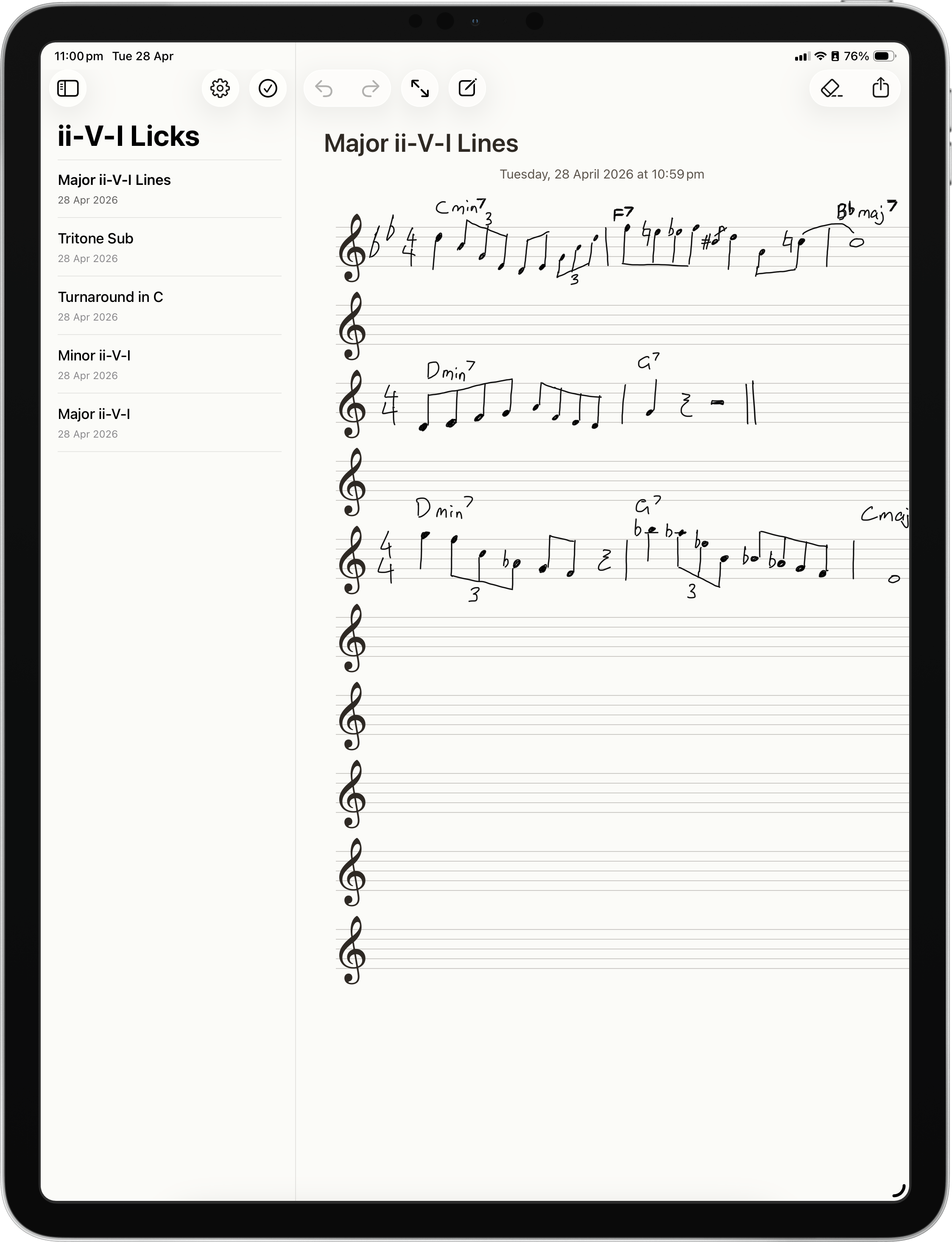
Passing Notes showing a folder of ii-V-I licks beside a handwritten manuscript page.
The interface is instantly familiar: folders, notes, and the page are exactly where you expect them to be.
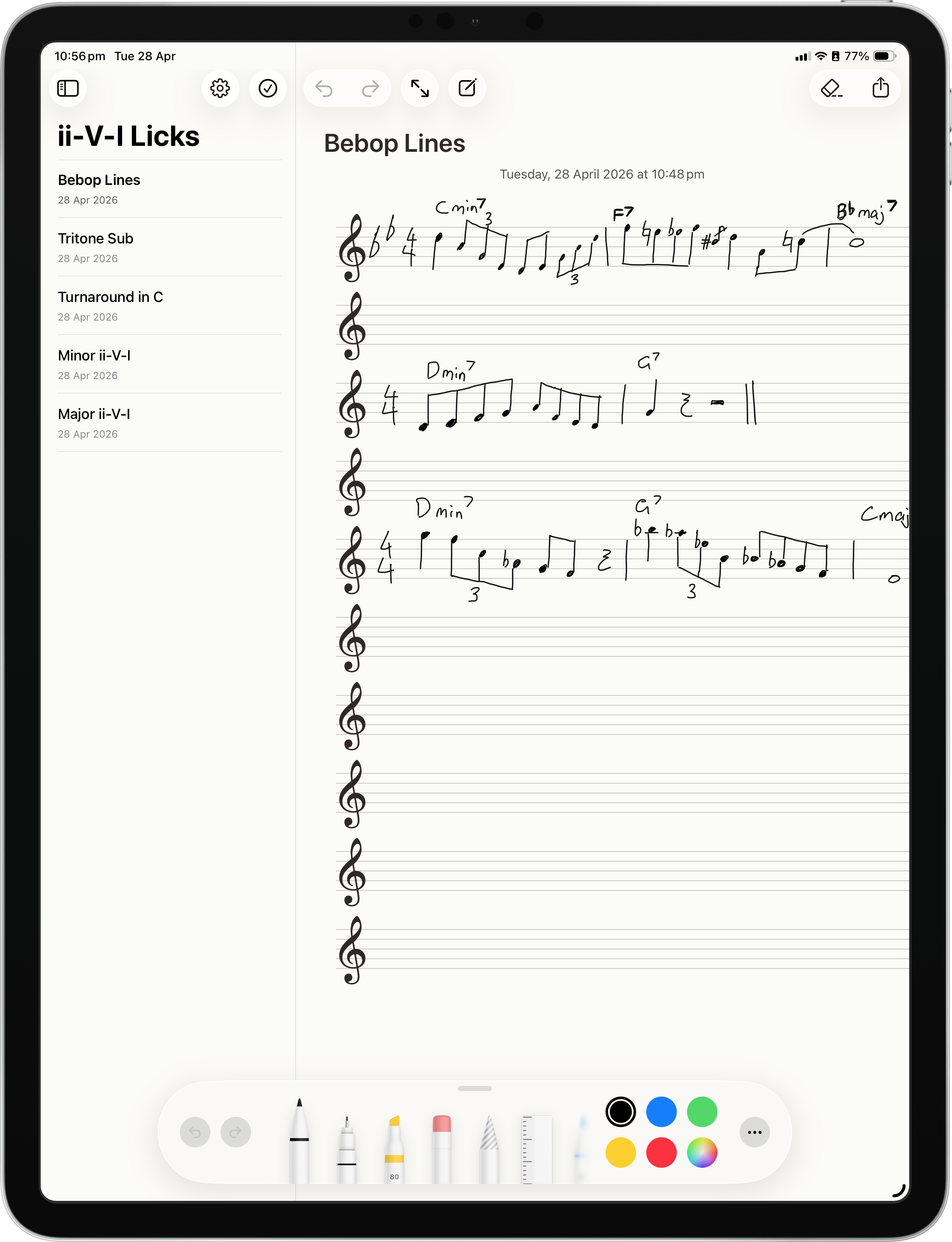
Passing Notes with Apple Pencil drawing tools open over a handwritten bebop lines page.
Uses the native Apple Pencil tool kit for drawing, erasing and colour.
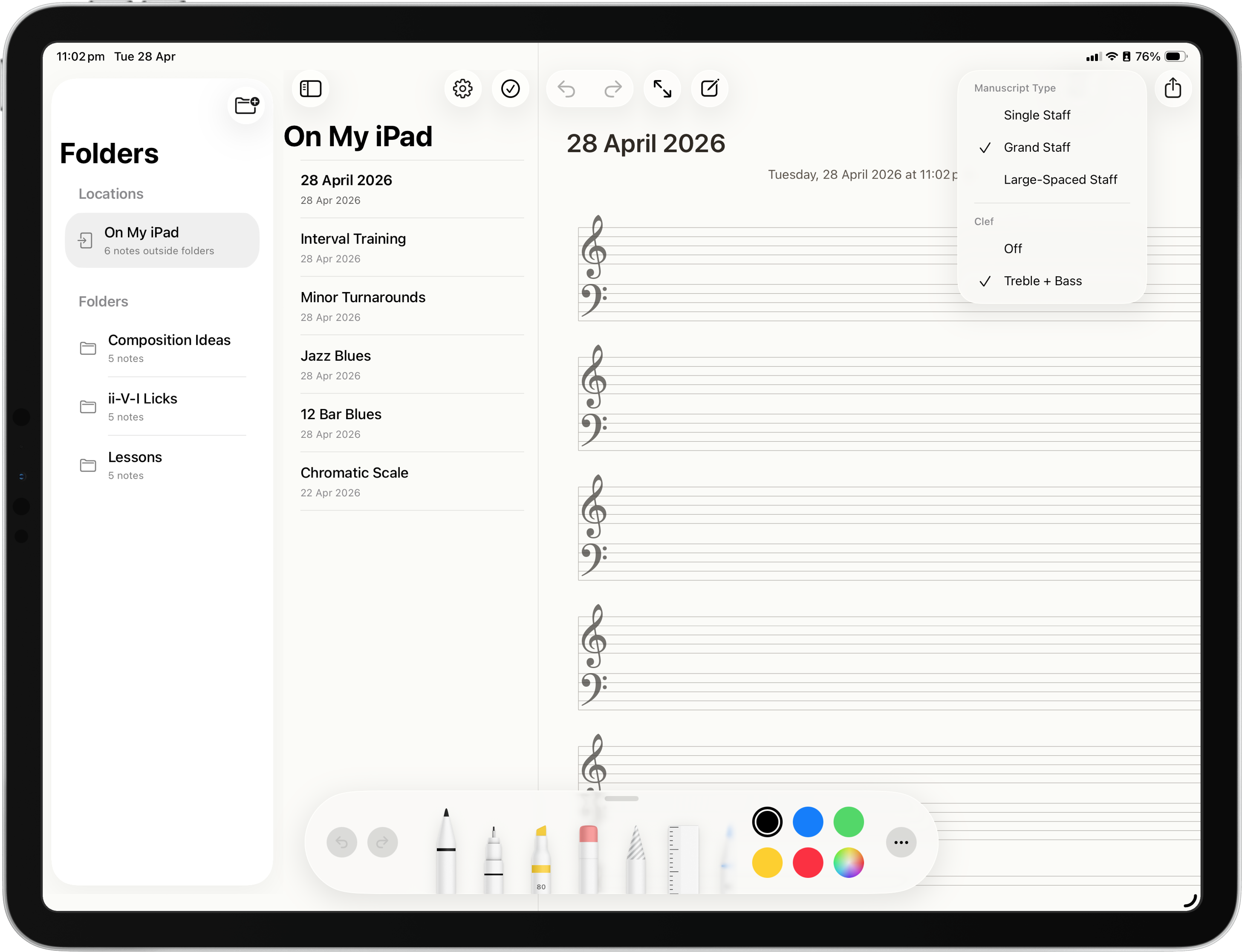
Passing Notes showing the manuscript type menu with grand staff selected.
Choose the staff setup that matches the page.
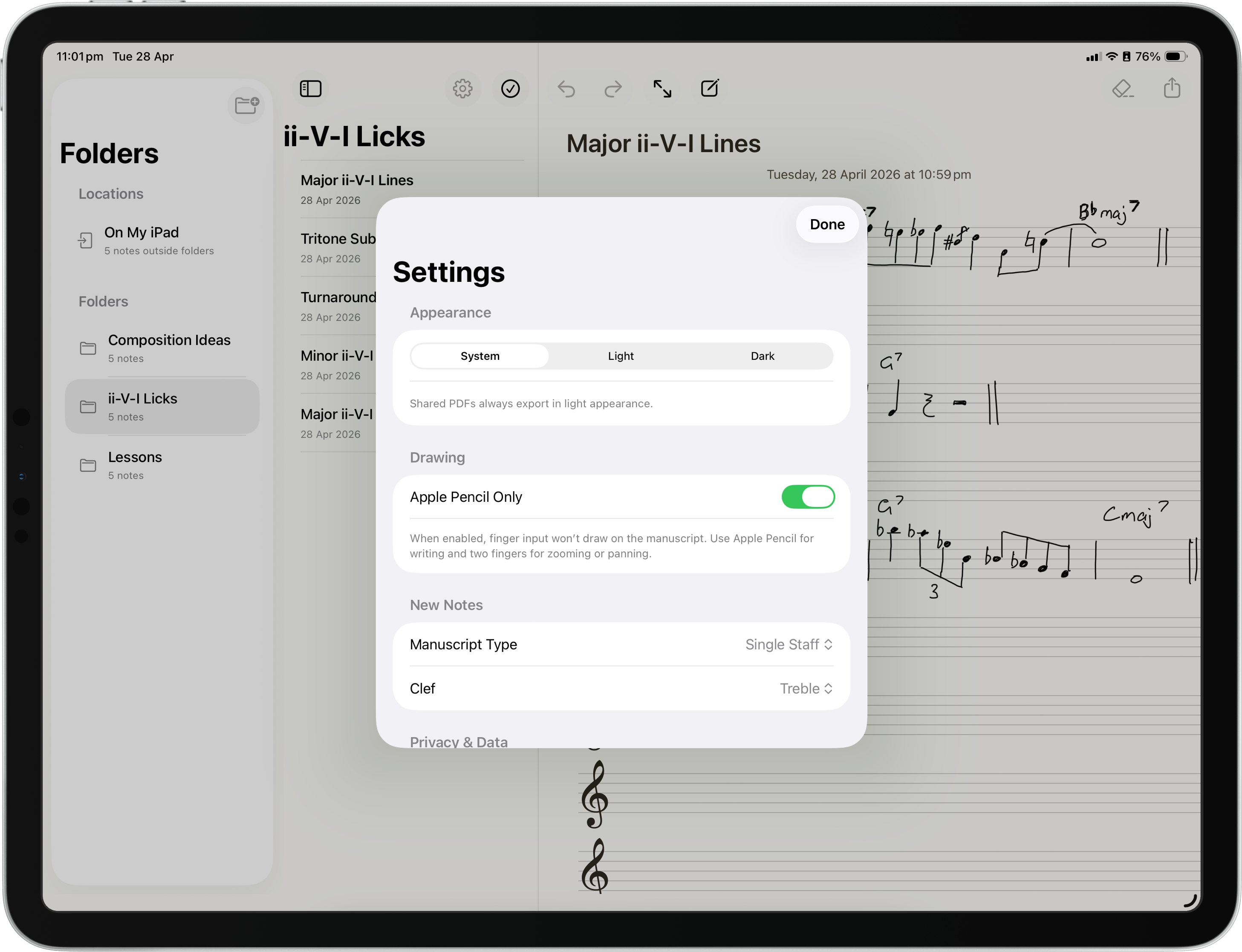
Passing Notes settings showing appearance options, Apple Pencil Only, manuscript type and clef controls.
Only a few settings, but the ones that matter for handwritten music.

Platform

Pencil in hand

Built for Apple Pencil and for musicians who want to get music written.
Focus

Staff on hand

Choose single staff, grand staff, large-spaced staff, and the clef that fits the page.

Output

Share in seconds

Send a handwritten page to friends, colleagues and students without slowing down.

Core idea

Passing Notes turns the iPad into manuscript paper for musical ideas, lesson work and pages you need to share.

Useful for

  • Sketching musical ideas quickly.
  • Writing lesson notes on manuscript lines.
  • Exporting pages quickly for students, colleagues and friends.